
photo to comic
Turn a photo into a comic, not a filter
A filter repaints your photo. Comikaze reads who is in it and draws them into a story with panels and dialogue.
Most photo to comic tools apply a comic-style filter over the pixels of one image. The output is your photo with heavier outlines. Comikaze does something different: it uses the photo as a character reference, then draws original panels of that person in new scenes, angles and expressions.
That difference is what makes a gift or a keepsake possible. One selfie becomes a character who can walk through an autumn street, laugh in a close-up and hug someone on a bench, recognisably the same person in every panel.
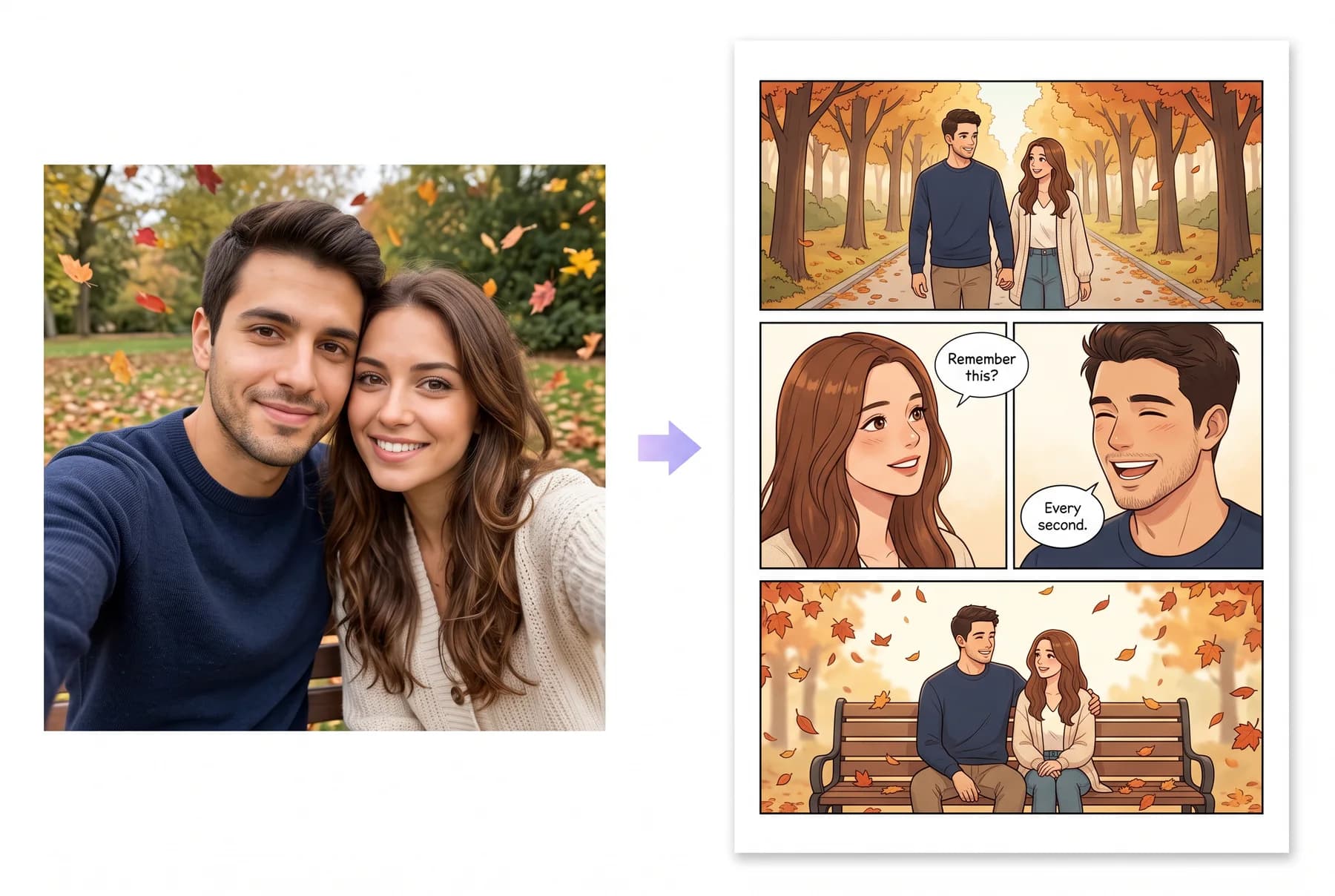
A reference, not a repaint
The photo sets the face, hair and skin tone. The story sets the scenes.
Any photo works
A clear, front-facing selfie is enough. No training, no tagging, no uploads of whole albums.
Up to three people
Couples and friend groups, each locked to their own photo.
Full pages out
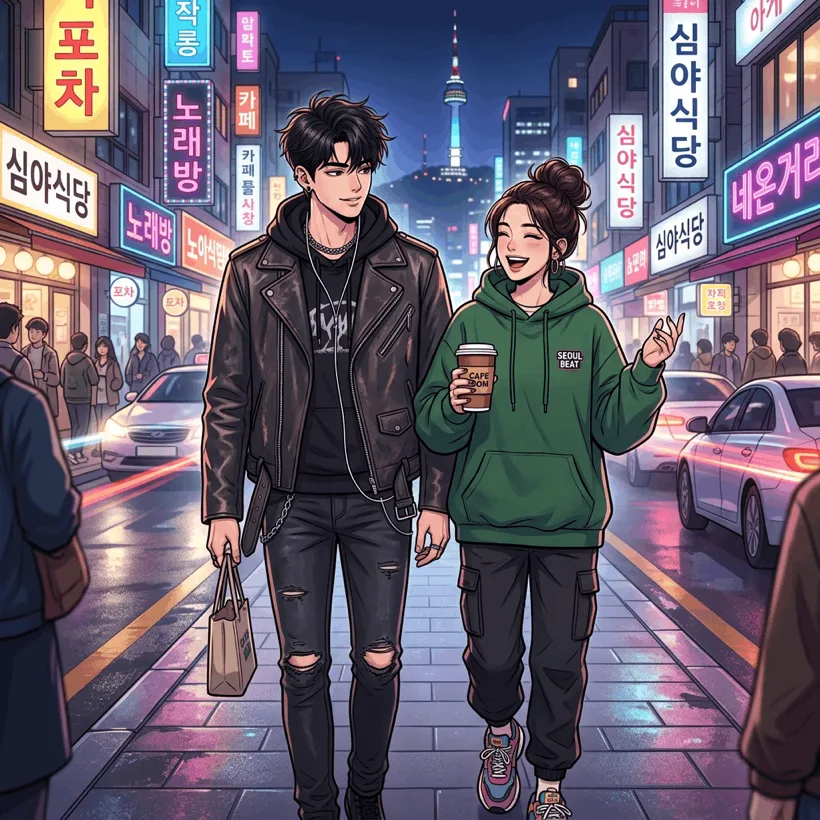
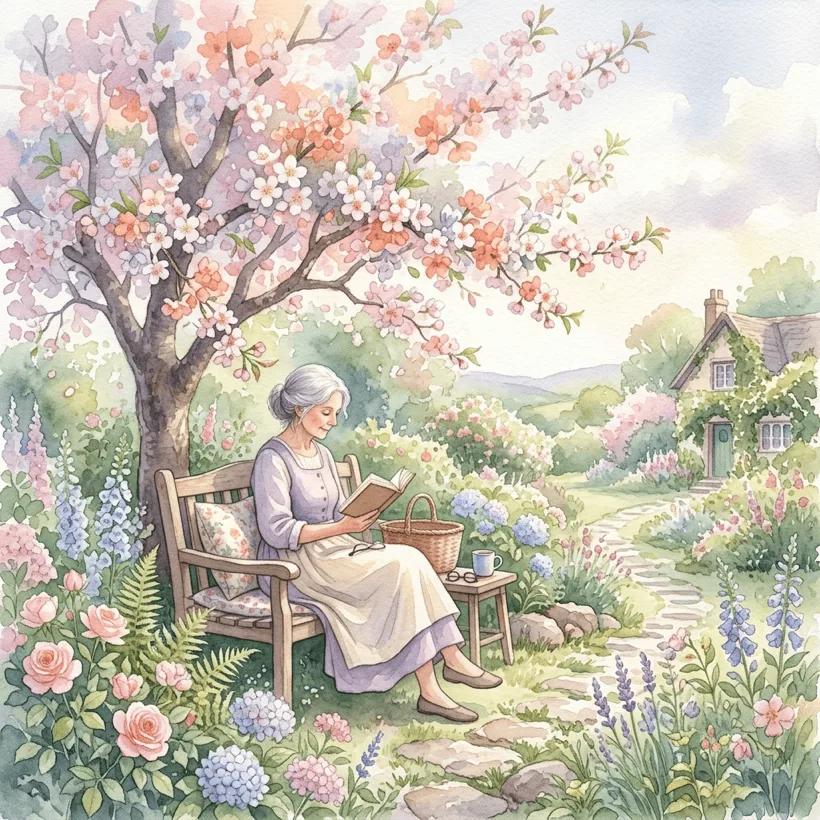
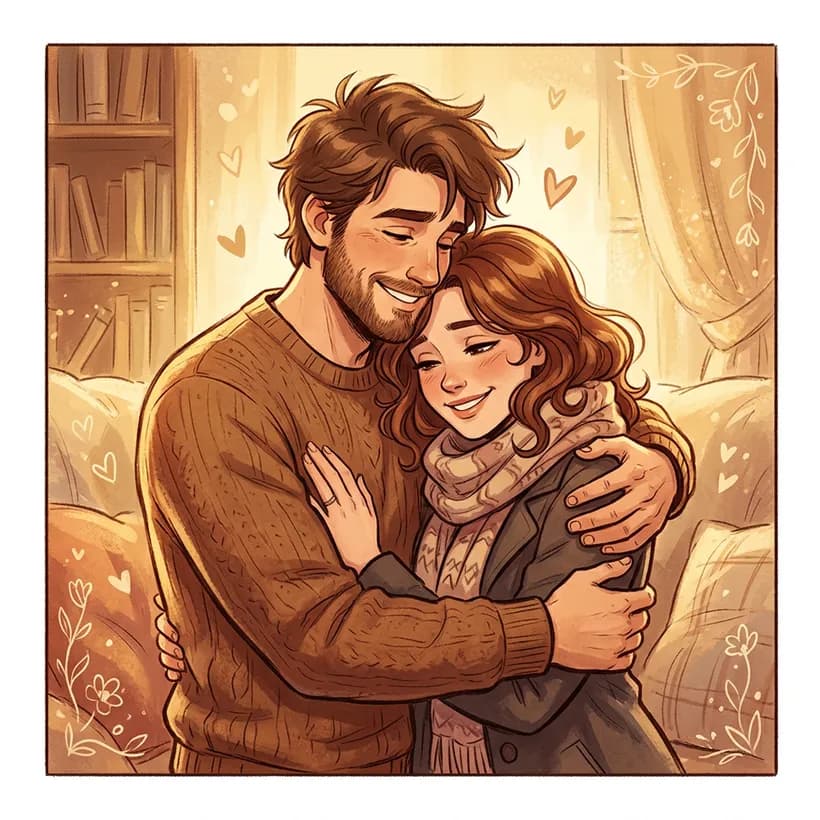
Panels, bubbles and a cover, in any of 40+ styles.
Styles that fit


Questions
What kind of photo should I upload?+
Front-facing, sharp, good light, one person per photo. For couples, upload two photos rather than one group shot.
Will it actually look like me?+
Yes. Styles with natural proportions (manhwa, webtoon, watercolor, realistic) keep the likeness strongest.
Is my photo private?+
Photos are used to draw your characters and are not shown to anyone else. Your comics are private unless you share them.